Can I import workouts into wrkout?
Yes. You can import a CSV from another app, use a supported direct competitor import, or paste workouts from notes. Apple Health import and export are also available as separate Apple-platform integrations.
 download wrkout
 switch workout apps
Bring your training with you. Import a CSV from another app, use a supported direct competitor import, or paste workouts from notes, then start your next session with a flexible log.

how it works
01
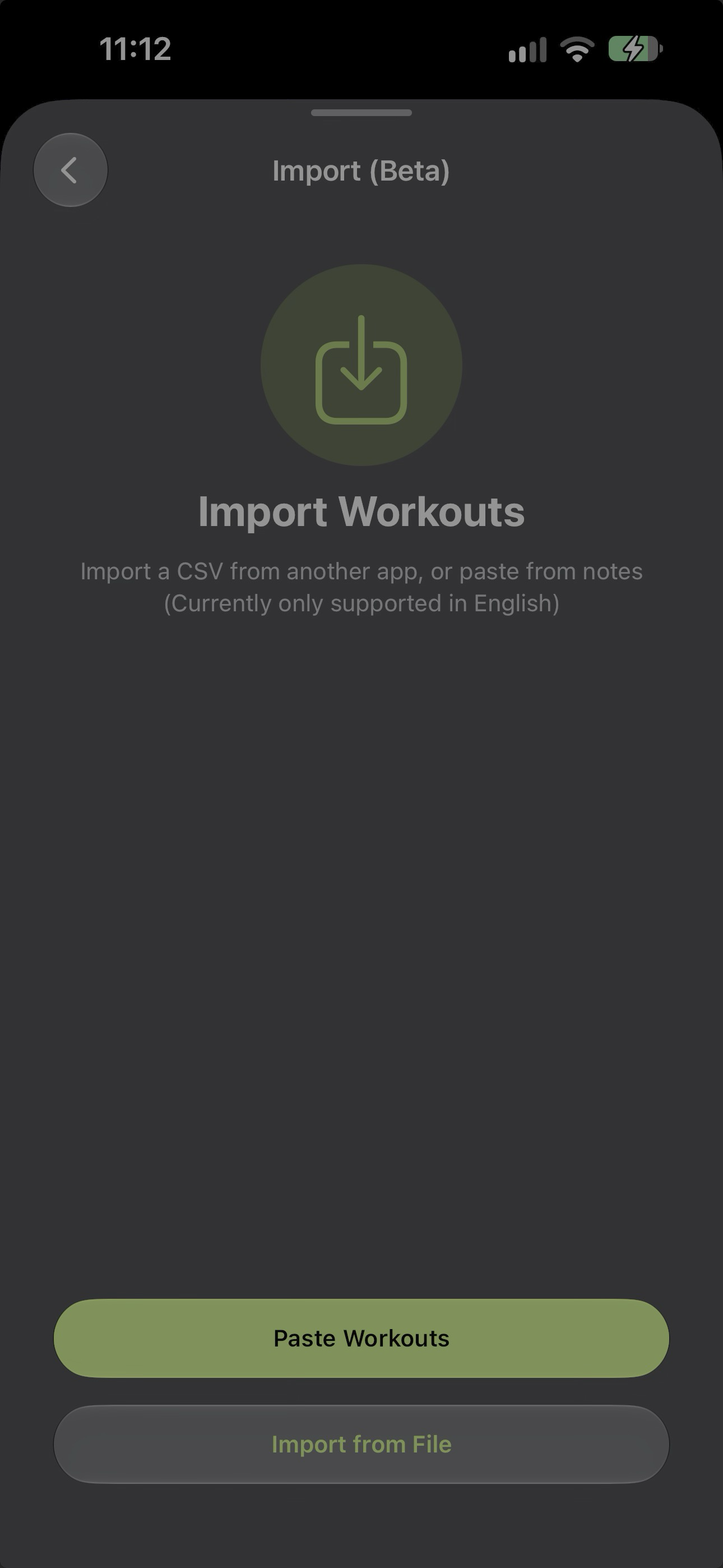
Import a CSV from another app, use a supported direct competitor import, or paste workouts from notes.
02
Review the imported workouts, then keep Apple Health connected separately if you want Apple-platform workout sync.
03
Start with a focus area, add or swap exercises in the moment, and use your new log from iPhone or Apple Watch.
an honest migration path
Bring existing training into wrkout with a CSV from another app, a supported direct competitor import, or a quick paste from notes. Keep Apple Health connected separately when you want wider Apple health data and workout sync in the same ecosystem.
clear answers
Yes. You can import a CSV from another app, use a supported direct competitor import, or paste workouts from notes. Apple Health import and export are also available as separate Apple-platform integrations.
No. Importing gives you a practical way to bring existing training into wrkout. Keep the original app until you have checked that the workouts you need transferred correctly.
wrkout for iPhone + iPad + Mac + Apple Watch
Download wrkout from the App Store, then choose the amount of structure that helps you train.