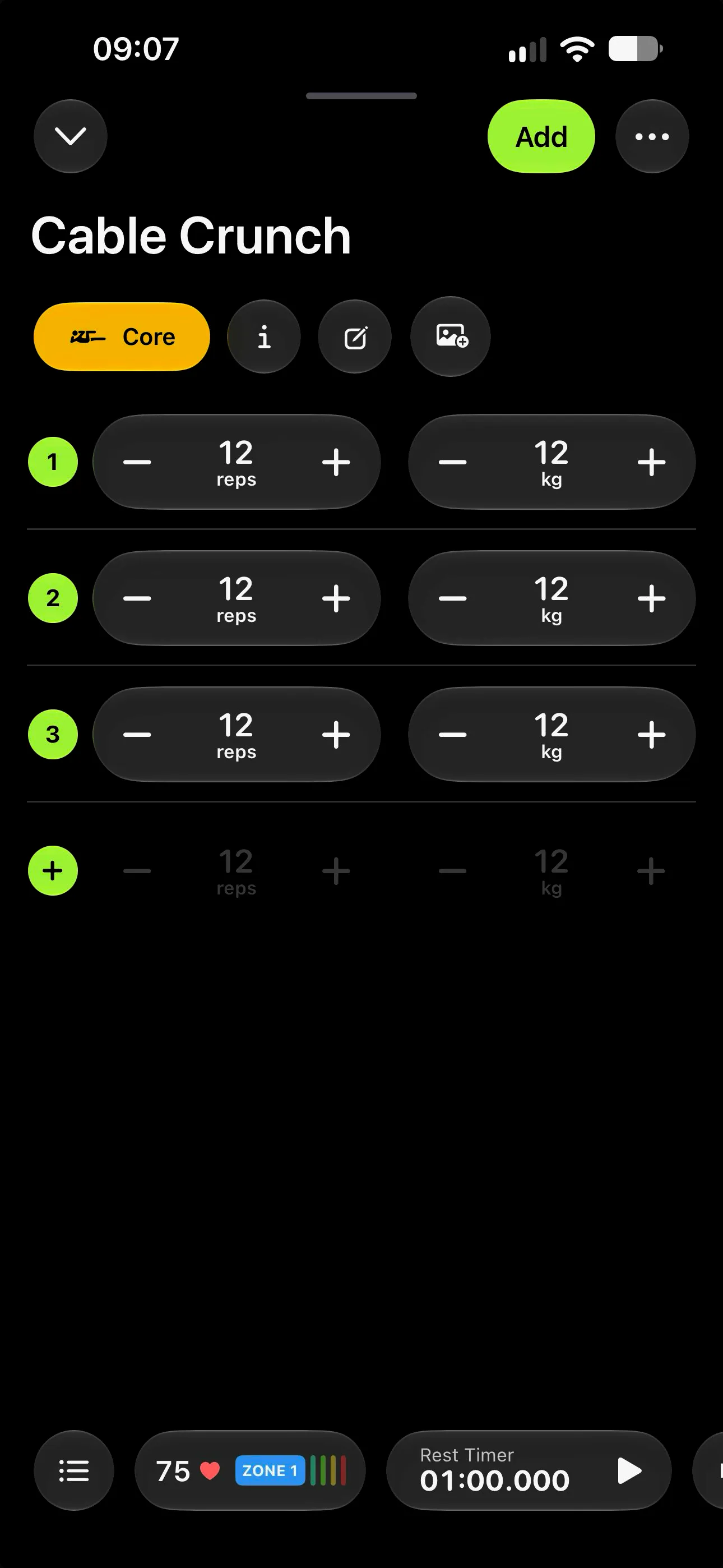
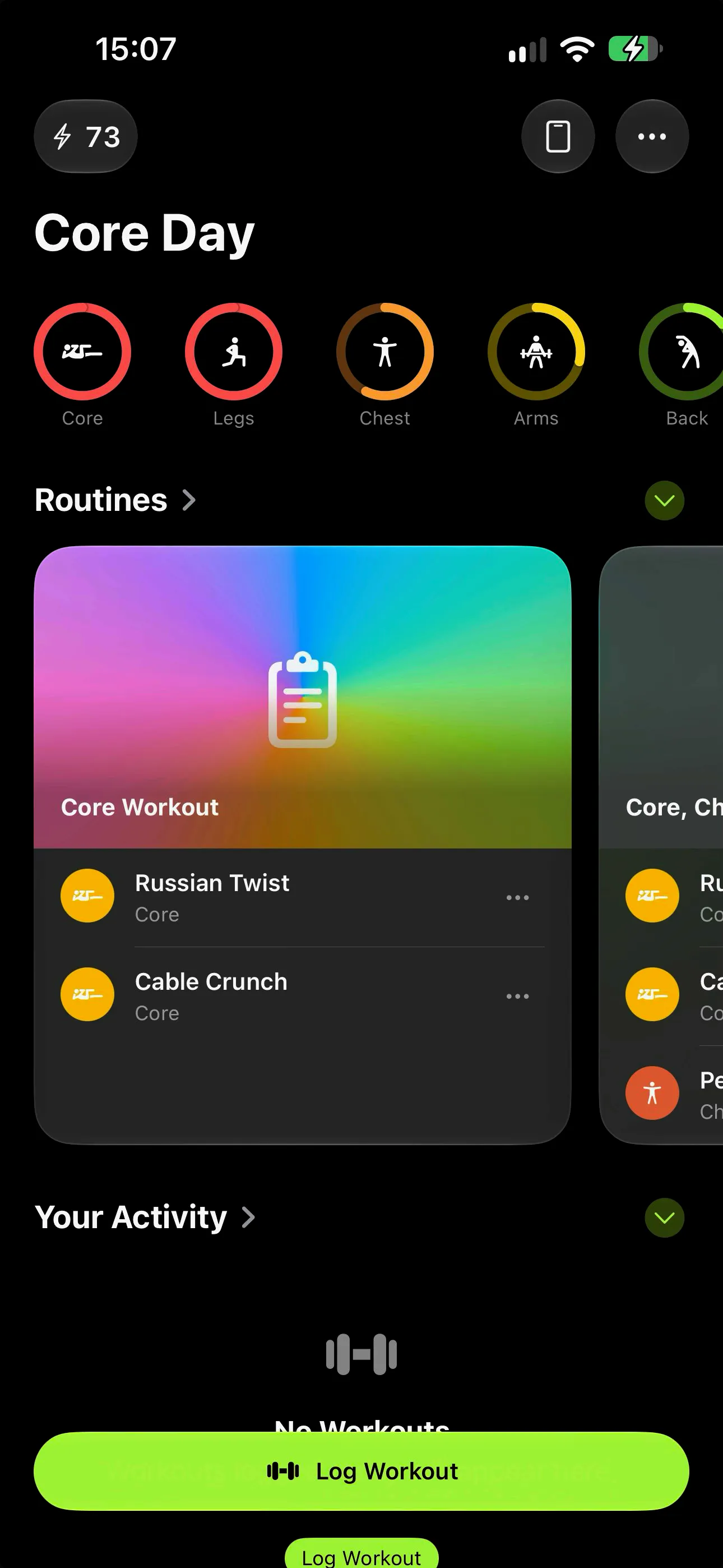
Larger text
wrkout uses system text styles and adapts key workout layouts for larger Dynamic Type sizes, including the set and weight controls.
 download wrkout
accessibility in wrkout
wrkout supports Apple accessibility features including VoiceOver, larger text, and haptic feedback, with Reduce Motion handling in supported interactions. Here’s what that means when logging and reviewing workouts.

listen and navigate
wrkout provides accessible names and useful summaries for controls and workout information. VoiceOver users can move through key actions, understand logged values, and reach available row actions using the system’s accessibility gestures.
make it comfortable
wrkout uses system text styles and adapts key workout layouts for larger Dynamic Type sizes, including the set and weight controls.
Supported interactions use haptic feedback to provide a physical cue while logging and adjusting workout values.
Some animated transitions and effects respond to Reduce Motion, with simpler presentation where supported.
The watch companion includes haptic feedback and labelled workout controls for logging during a session.
These features work with accessibility settings on your Apple devices. See Apple’s guide to iPhone accessibility options for setup information.
accessibility questions
Yes. wrkout supports VoiceOver, with named controls and grouped summaries in key workout flows. For example, workout and exercise rows can expose their available actions through VoiceOver’s Show Menu gesture.
wrkout supports large text. Workout set controls have layouts for accessibility text sizes, so reps and weight controls can remain usable as text grows.
Yes. wrkout uses haptic feedback for supported workout interactions, including value changes and Apple Watch workout actions.
Some animated workout interactions respond to the system Reduce Motion setting and use a simpler presentation. This behavior applies to supported transitions and effects, not every animation throughout the app.
Yes. wrkout has a native Apple Watch companion for workout logging, with haptic feedback and workout controls. The watch app can also log supported sessions on its own.
wrkout includes VoiceOver support, large text layouts, haptic feedback, and Reduce Motion handling in supported areas. Accessibility needs and workflows vary, so we do not claim that every screen has been independently audited for every assistive setup. If you have a question about a specific task, contact wrkout support.
wrkout for iPhone + iPad + Mac + Apple Watch
Download wrkout and explore workout logging with the accessibility settings you prefer. Ask wrkout support about a specific accessibility task.